
Open-source mod tools for Alien: Isolation
Fly through every level in 3D, rewrite the game’s scripts, import your own models, build brand new levels – and watch your changes appear in the running game.

Browse Levels in a 3D Viewport
Open any level and fly through it. Click anything you see to find it in the level’s scripts, move and rotate it with the gizmo, or drag new content in straight from the Composite Browser.
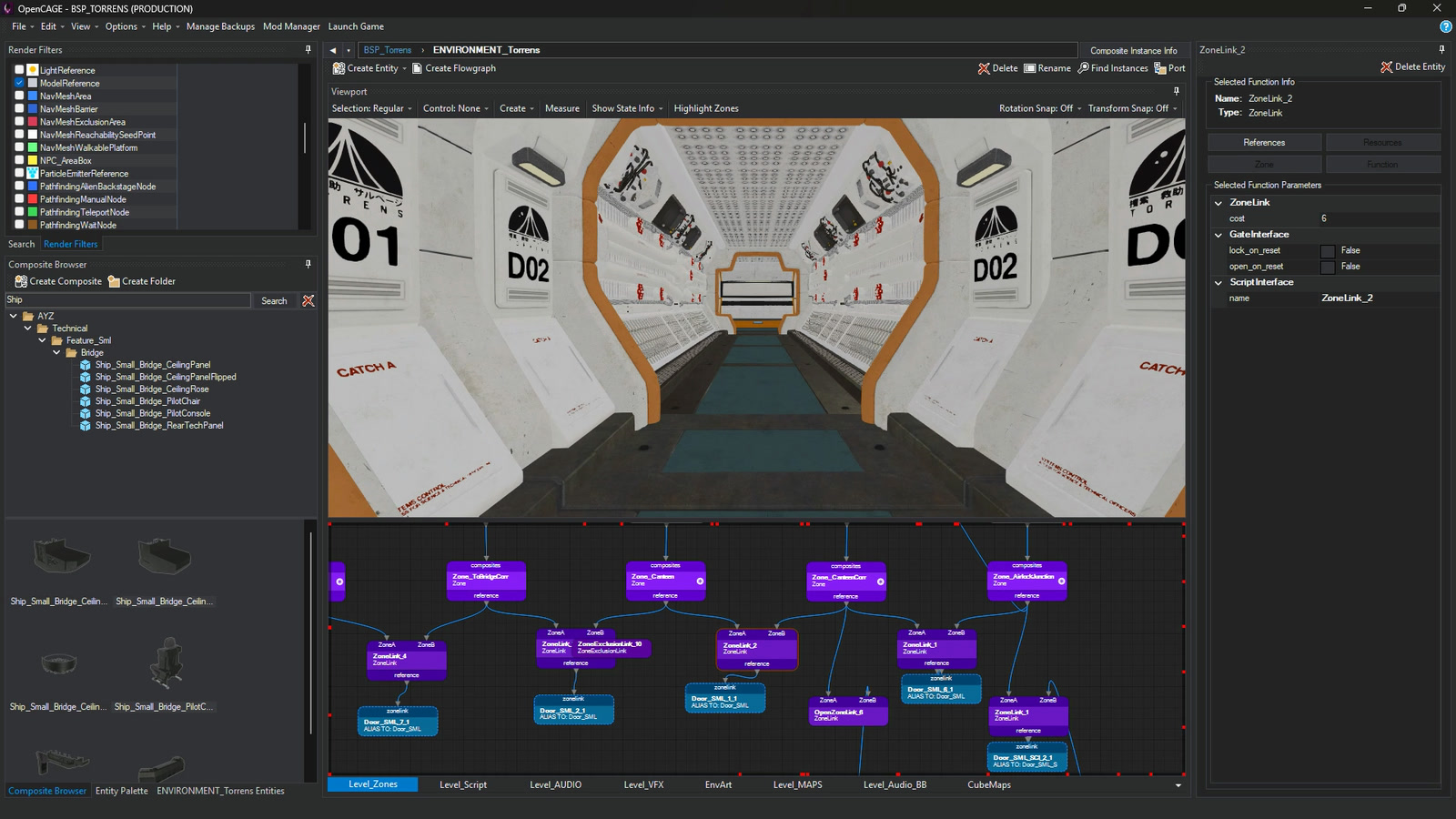
Edit Existing Game Scripts
Alien: Isolation runs on thousands of CATHODE scripts. Open any of them as a flowgraph laid out over pages, then rewire it, delete what you don’t need and tune any parameter in the inspector.
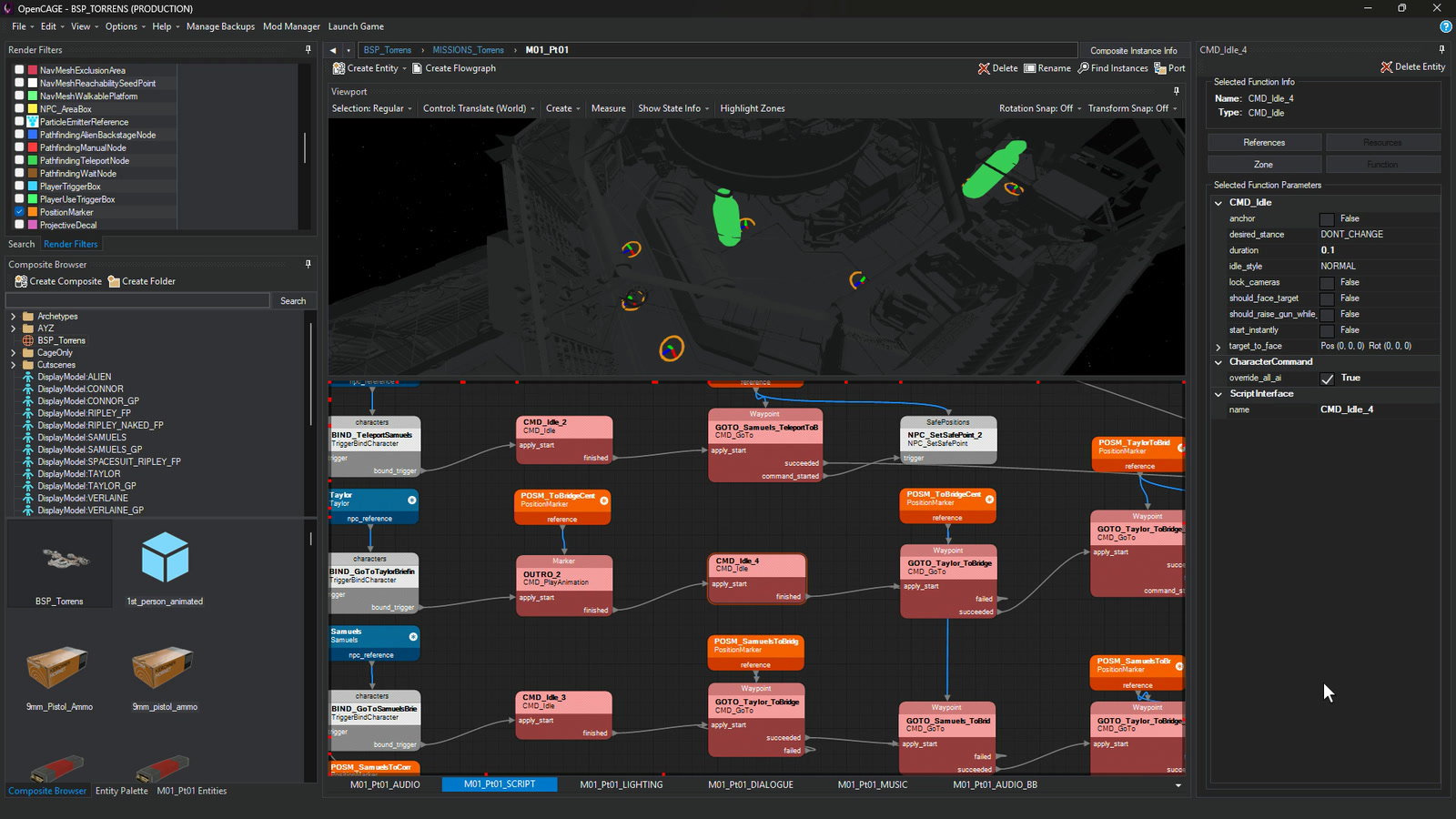

Build Your Own Scripts
Drag any of the game’s entity types from the Entity Palette onto a graph and link up their pins. Trigger volumes, markers and props go straight into the world from the Viewport’s Create menu.
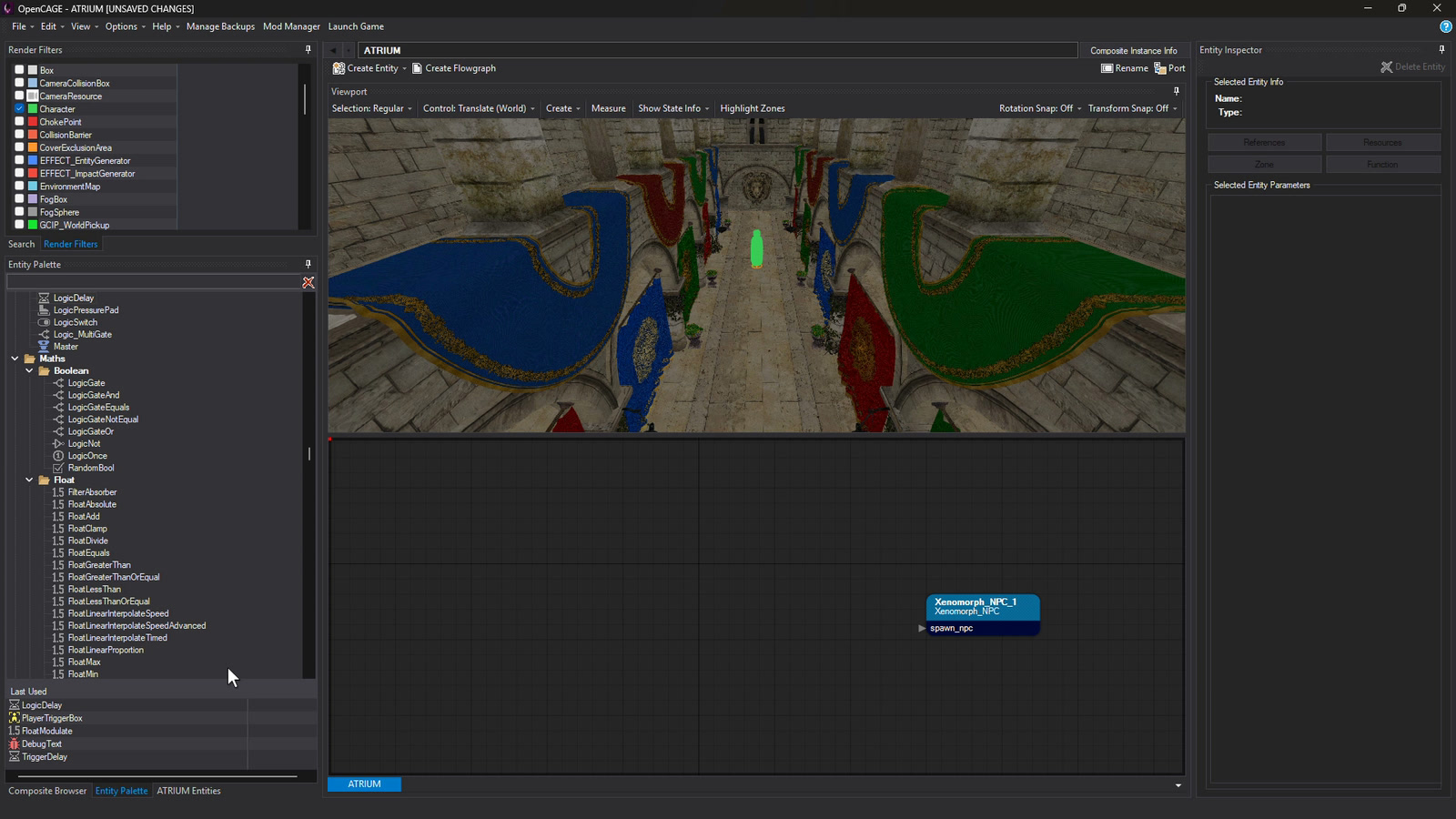
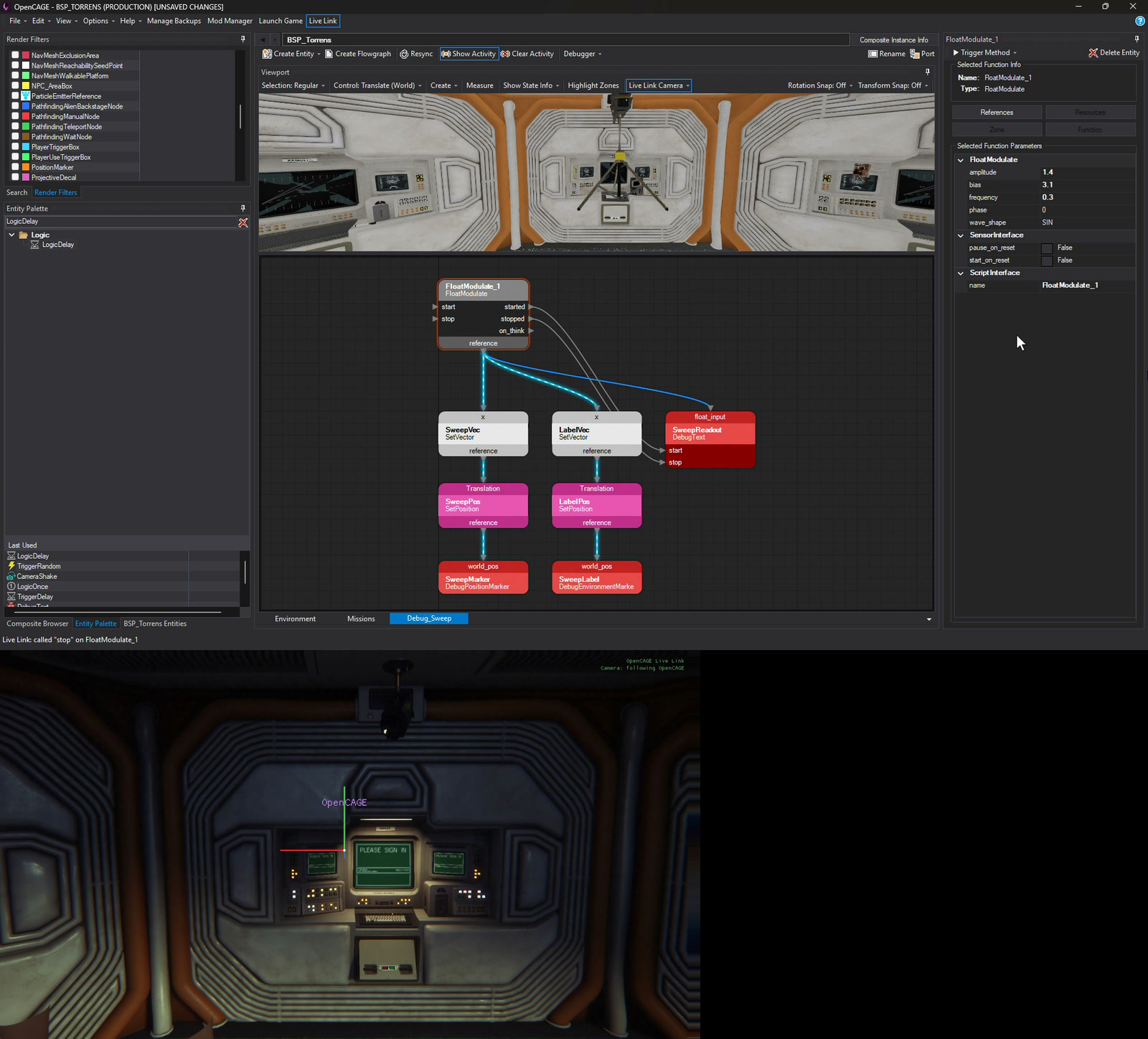
Debug Scripts at Runtime
With Live Link connected, Show Activity lights up each link as it fires and counts every call on its pins. Trigger any method from the inspector to test a script without playing up to it, set breakpoints on nodes to stop the game's scripts and step through them, and put values on screen in game with debug text and position markers.
Create and Modify Scripted Keyframes
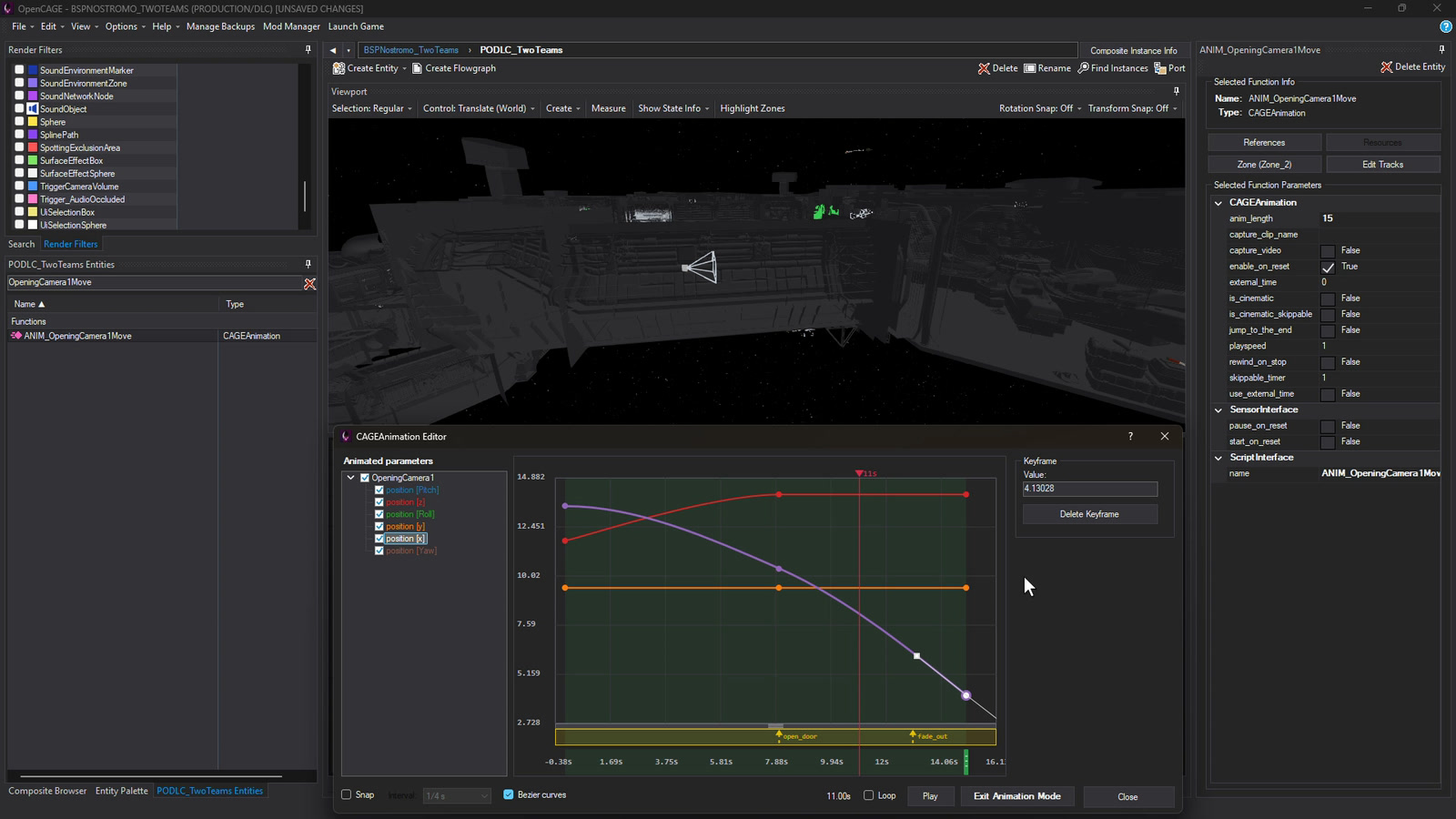
Open any CAGEAnimation to edit its tracks on a curve editor: drag keys and bezier handles, add new tracks, and switch on Animation Mode to scrub the result in the Viewport.
Import, Export, and Preview Animations
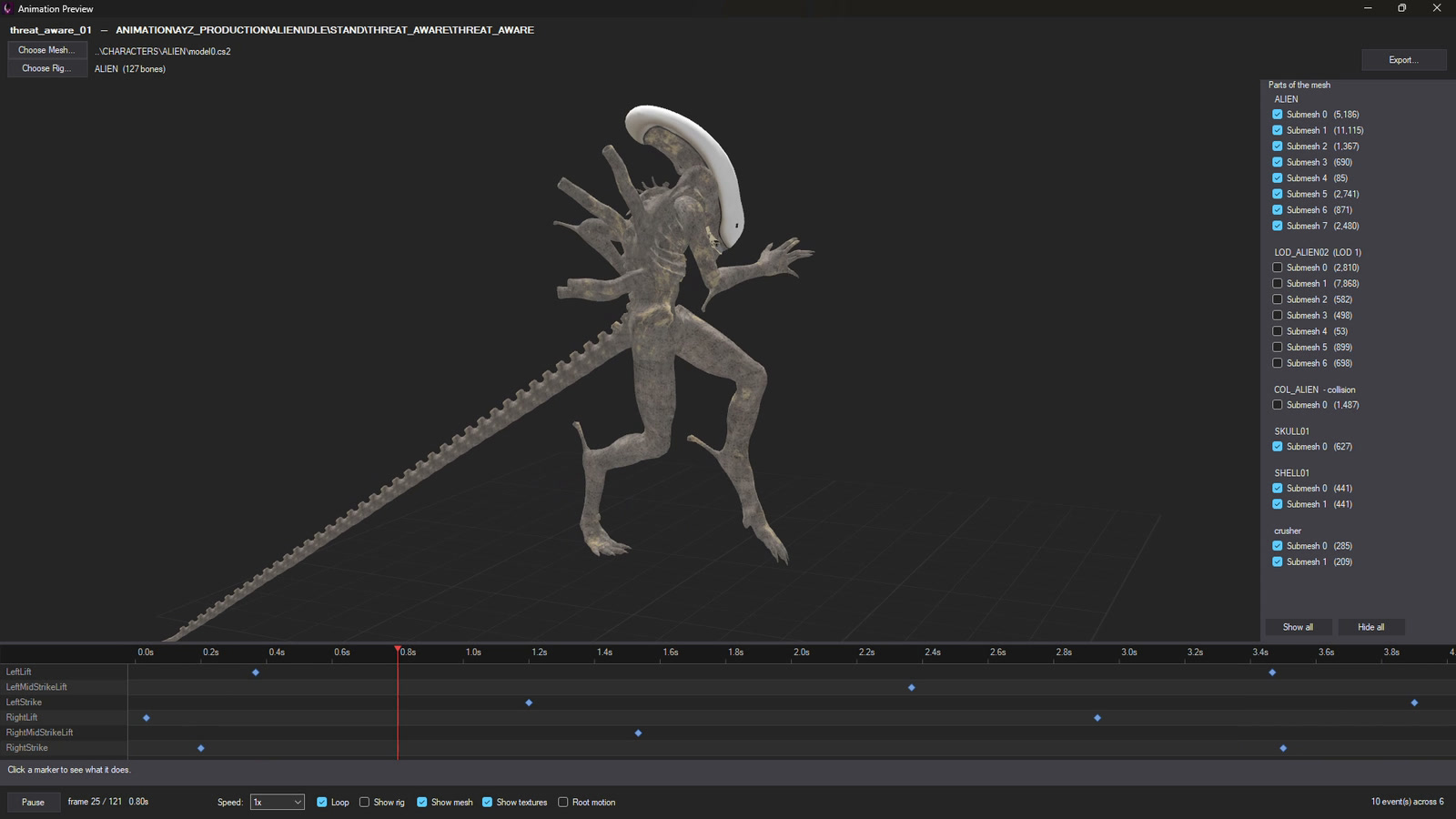
Preview any clip on its character’s own model, export clips or import your own, and edit the animation trees that blend them together.

Live Edit Scripts In-Game
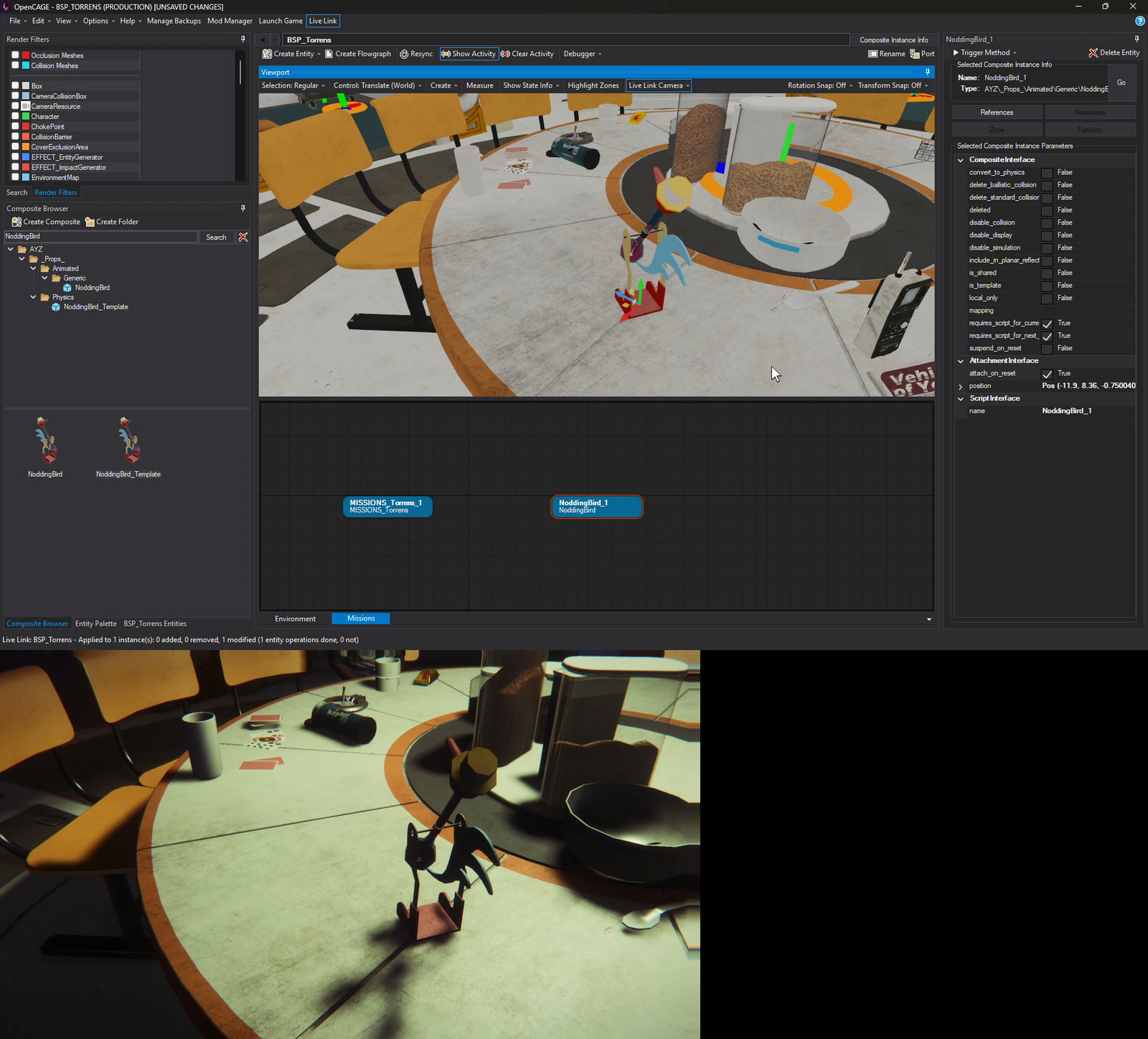
Live Link connects OpenCAGE to the game while it runs. Place and move props, change lights, tweak scripts and call methods, and the game updates without a reload. The game camera can follow the Viewport, so you see every edit from the same angle.
Import, Export, and Preview Models
Import your own models with a 3D preview and a scale check, then browse, export and edit any mesh in the game from the Model Editor.


Edit Materials, Shaders, and Textures
Change a material’s shader, samplers and parameters, and browse, export and replace any texture in a level.


Create New Levels from Scratch
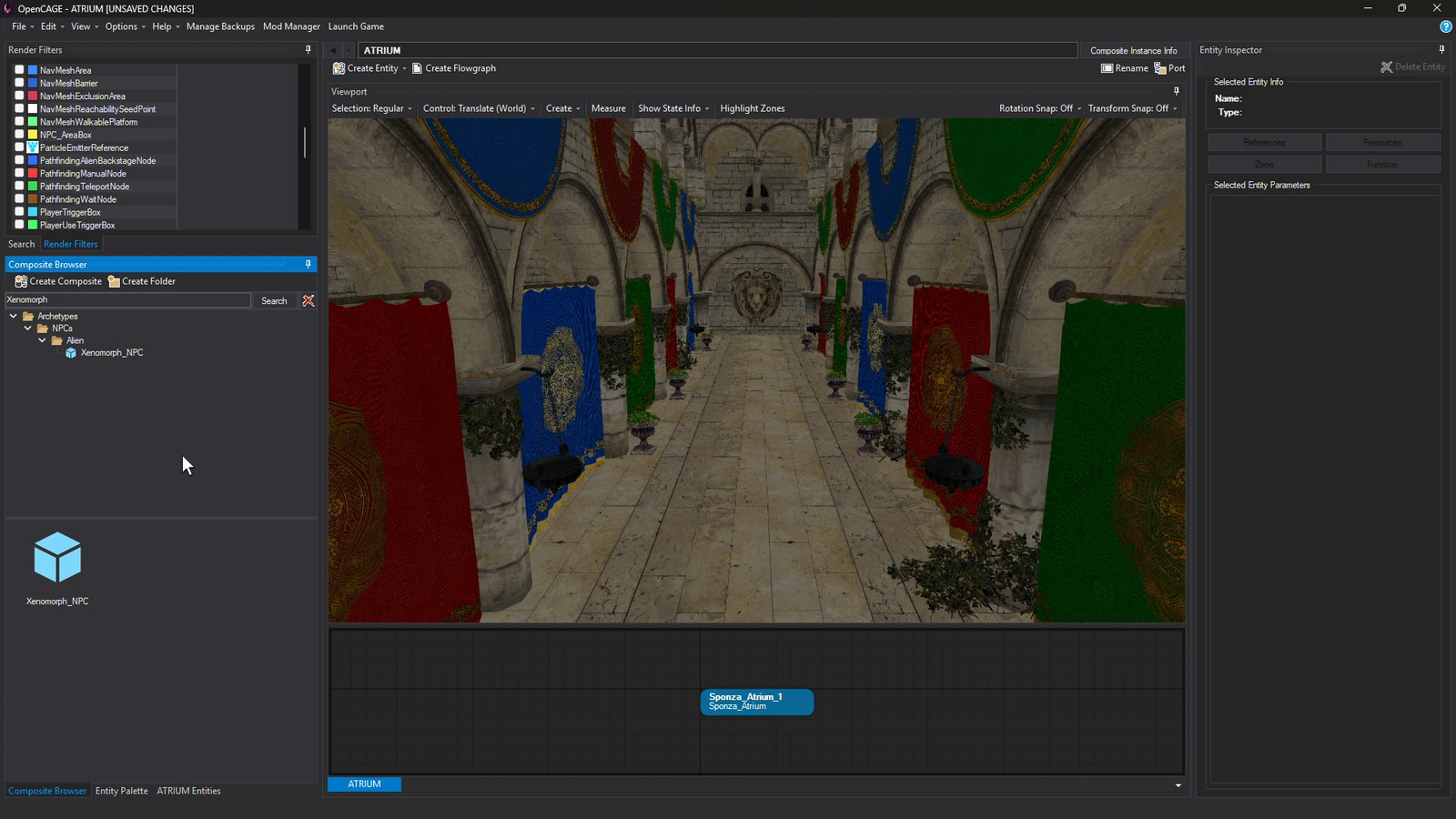
Start a new level, fill it with composites from other levels or your own imported geometry, and let Save and Build generate its lighting, navmesh, collision, cover and sound.

Launch with Helpful Utilities
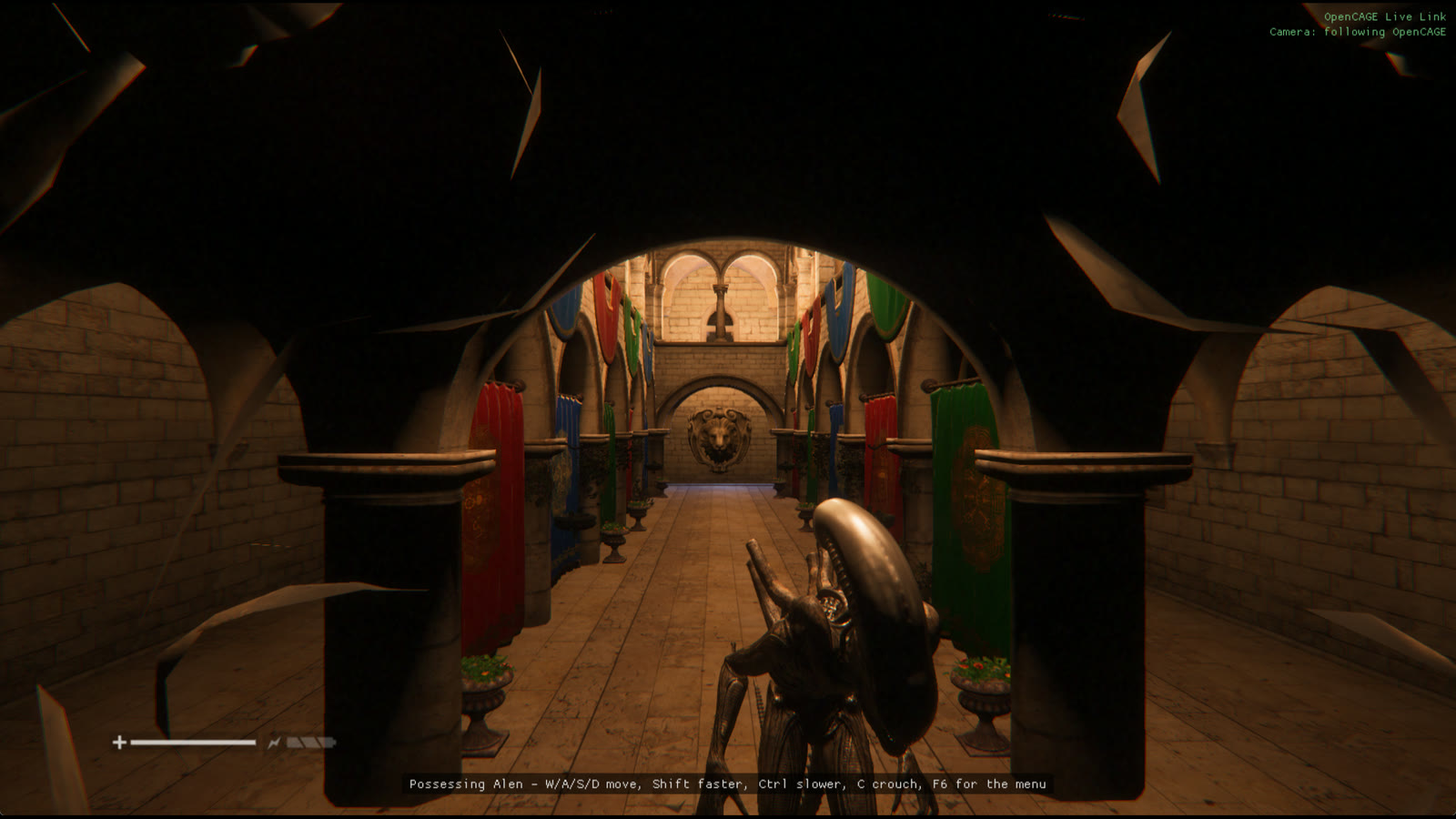
Launch Alien: Isolation straight into any level, with options like debug text, an unlocked mouse and a frame rate cap. Turn on Possess characters and you can take control of anyone in the level.

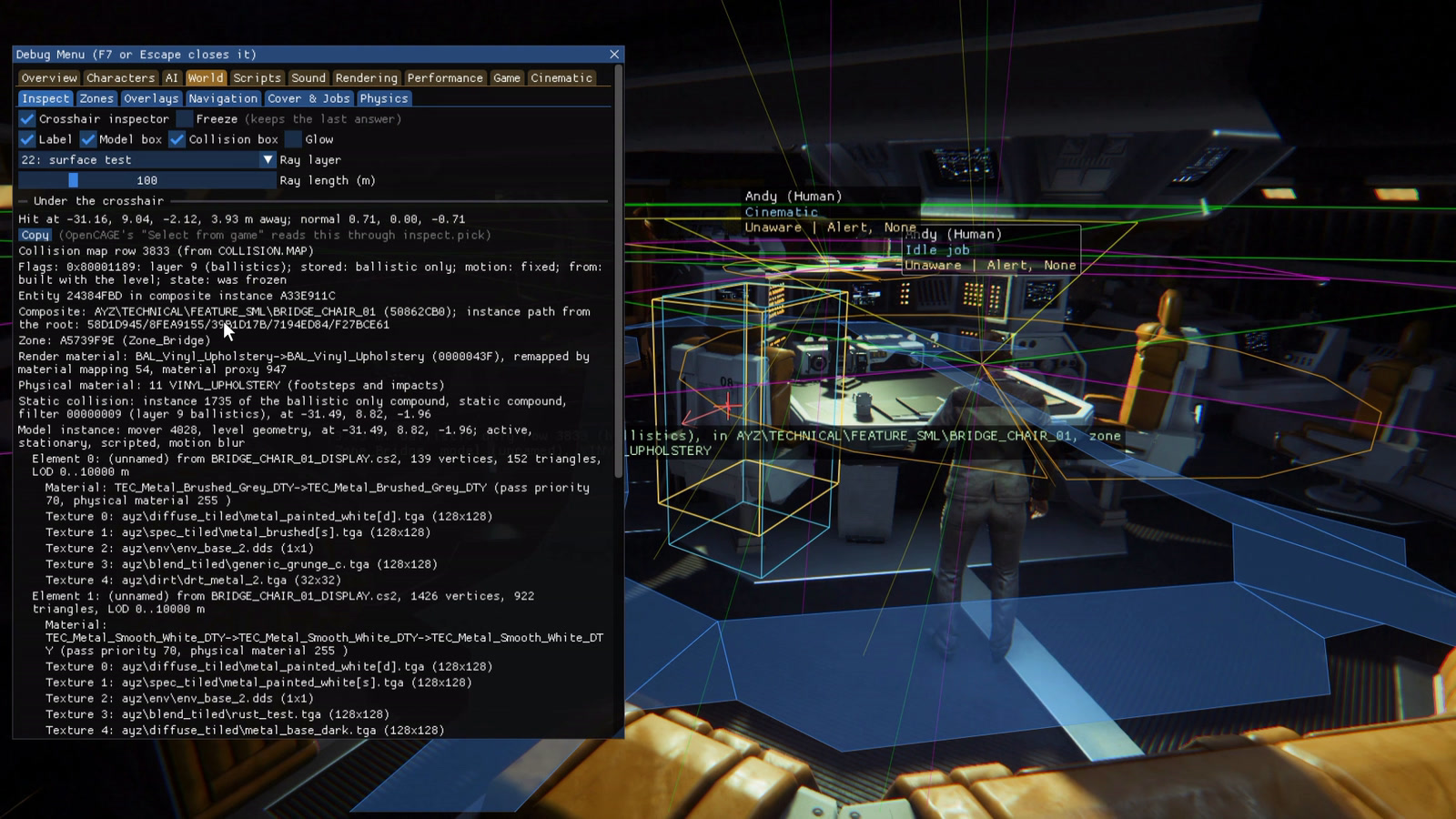
See Inside the Game with the Debug Menu
With Debug Menu ticked in Launch Game (it is by default), press F7 in game. Draw every character's view cones and alertness over the game, show the nav mesh the AI walks on, and point a crosshair at anything to read its collision, materials and model.
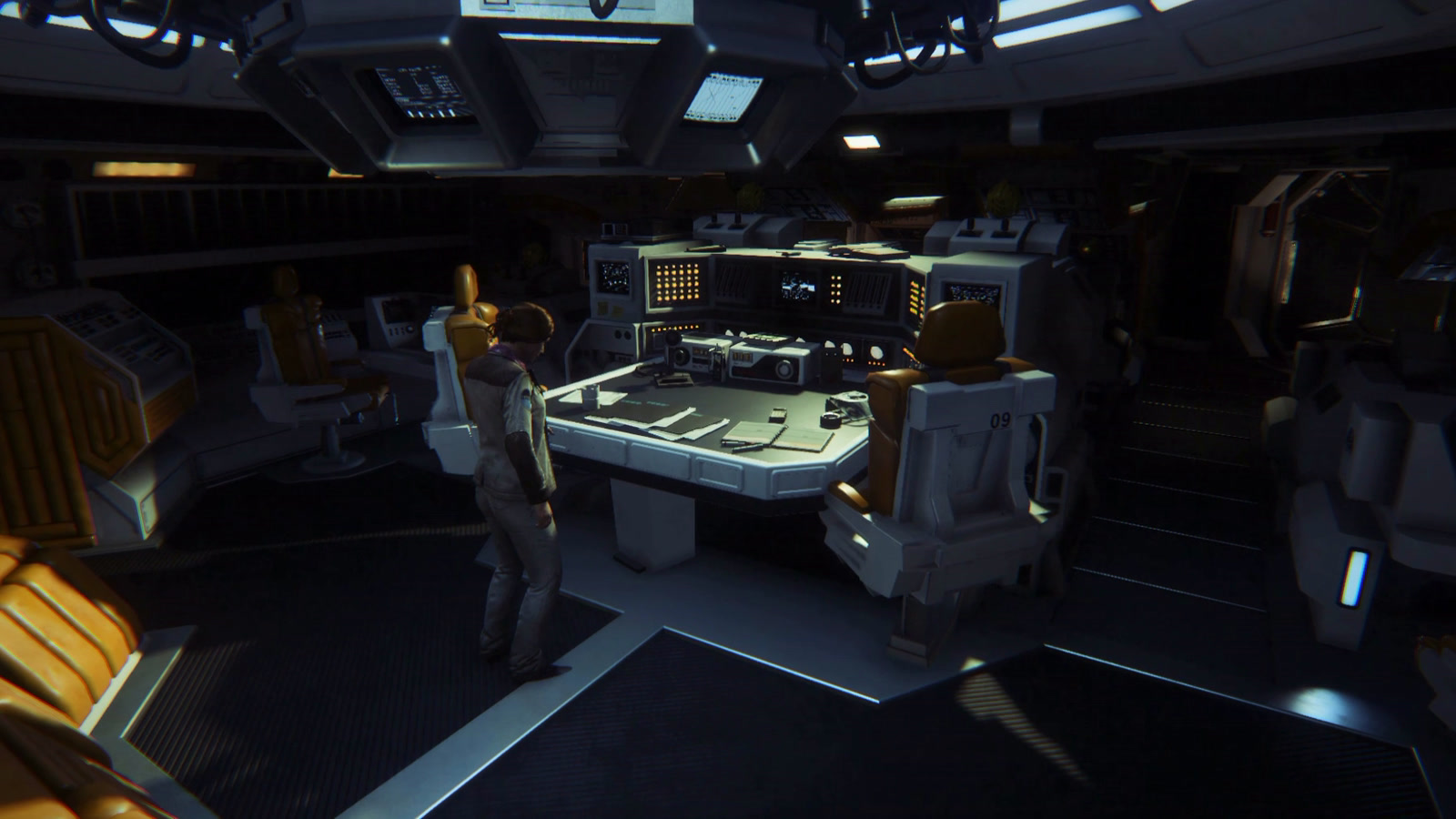
Film the Game with a Cinematic Camera
With the Debug Menu ticked in Launch Game, fly its free camera anywhere in the level, drop camera track nodes along the way and play them back as one smooth move. The Cinematic group also sets depth of field and colour, hides the HUD and takes screenshots.
Package or Install Mods via the Mod Manager
Create a Mod lists everything you’ve changed, so you choose exactly what goes in. Players install it with the Mod Manager, which also combines, updates and removes mods for them.


Configure Characters, Items, Weapons, and More
Dedicated editors for the game’s configuration: the alien’s behaviour settings, character asset sets, inventory items, crafting recipes and every line of localised text.


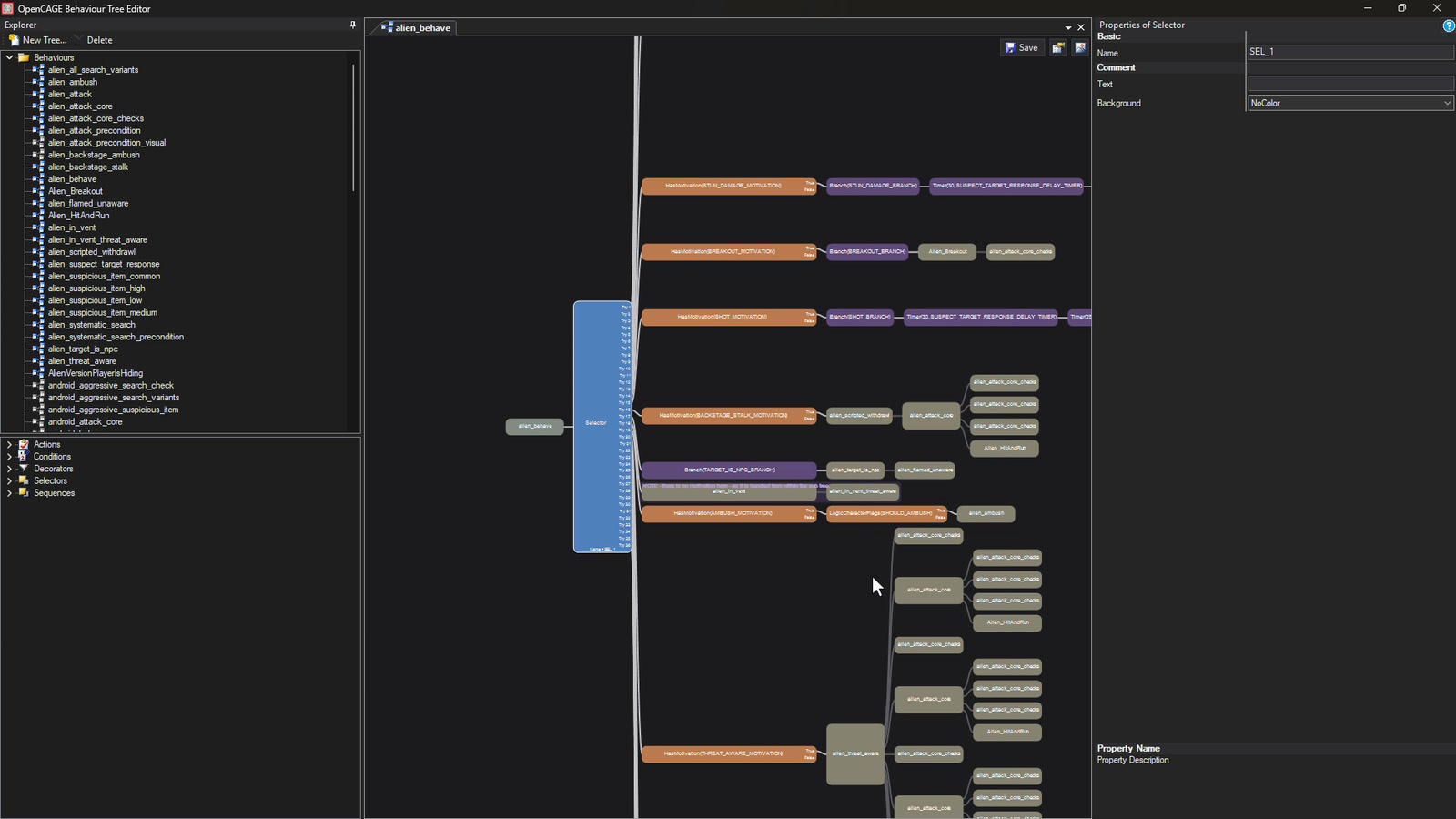
Edit and Create Behaviour Trees
Open the behaviour trees that drive the alien, androids and humans, and edit them node by node.
Start modding Alien: Isolation
Download OpenCAGE today for free from Steam, or contribute to its development on GitHub.
Check out the documentation to explore every element of the toolkit, and join the Discord to ask questions or show off mods you’ve created.
Enjoying OpenCAGE? Support its development on GitHub Sponsors.